
- Backlogs form when processing feels too heavy.
- Most documents require minimal decisions.
- Small, frequent processing prevents overwhelm.
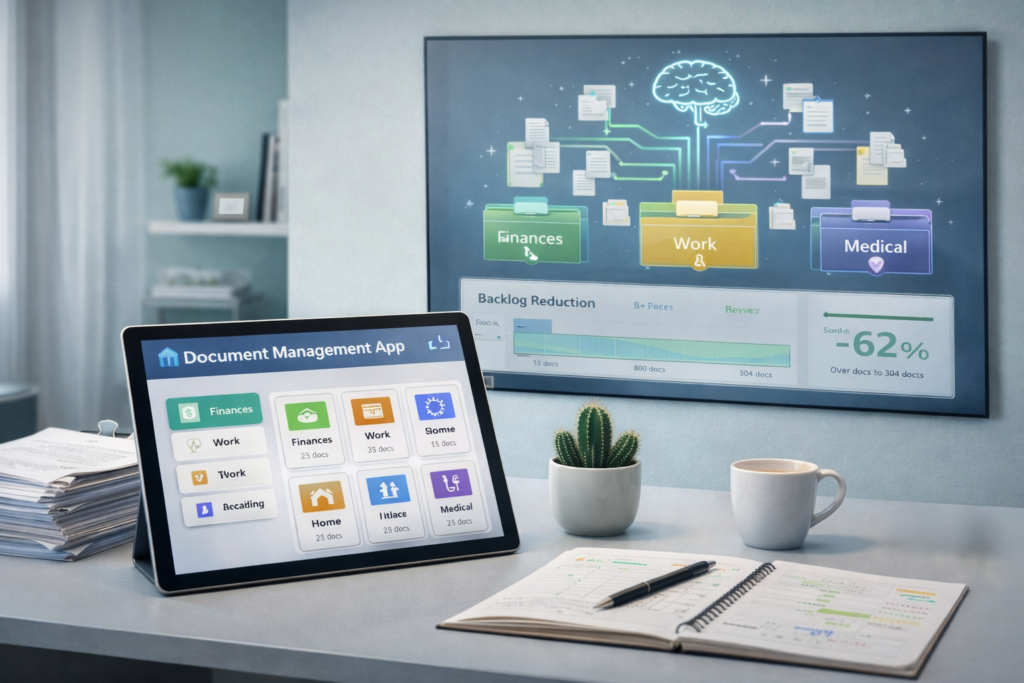
- AI can scan documents, extract key data, and suggest filing categories automatically.
- Clear discard rules matter more than filing depth.
Document backlogs grow quietly. A stack forms on the counter. Papers accumulate in a drawer. Digital files collect in a downloads folder. Each document represents a decision deferred, and over time, the backlog becomes intimidating enough that avoiding it feels easier than addressing it.
Why Document Backlogs Happen
Document backlogs are not caused by carelessness. They form when the mental cost of processing feels higher than the benefit of having documents organized.
Delayed decisions
Every document requires a decision. Should this be kept or discarded? If kept, where should it go? How should it be named? These questions are straightforward when handling one document, but when facing a backlog of dozens or hundreds, the cumulative decision-making feels overwhelming. The backlog persists because each item in it represents cognitive work.
Overthinking importance
Many documents carry uncertainty about future value. A receipt might be needed for a return. A medical summary might be referenced later. A school notice might contain information that becomes relevant next month. This uncertainty makes discarding feel risky, so documents get saved by default. The archive grows, but so does the difficulty of finding anything within it.
Separating Intake From Processing
One reason backlogs form is that intake and processing happen together. A document arrives, and the expectation is to immediately decide what to do with it. Separating these steps reduces friction.
One inbox rule
All incoming documents should land in a single location. Physical papers go into one tray or folder. Digital documents go into one designated folder. This inbox is not permanent storage. It is a holding area where documents wait for processing. The inbox contains only unprocessed items, making it clear what needs attention.
When to touch documents
Documents should be touched once during intake and once during processing. Intake is the act of placing the document in the inbox. Processing is the act of deciding its fate. Touching documents multiple times—moving them from pile to pile without processing—creates extra work without progress.
AI-assisted initial categorization
Some AI tools can scan documents as they arrive and suggest categories automatically. A medical bill might be tagged as “Medical-Financial.” A school form might be tagged as “Education-Administrative.” These suggestions appear without manual input, reducing the work required during processing. The parent reviews the suggestion and confirms or adjusts rather than categorizing from scratch.
Fast Decision Rules for Documents
Processing backlogs becomes manageable when decision rules are clear and simple. Each document should fall into one of four categories.
Keep, act, archive, discard
These four categories cover most documents:
- Keep means the document needs ongoing reference and should remain easily accessible.
- Act means the document requires a response or task.
- Archive means the document might be needed later but does not require immediate access.
- Discard means the document has no future value.
When these categories are defined clearly, most documents can be sorted quickly.
Reducing edge cases
Edge cases slow processing. A document that does not fit clearly into one category creates hesitation. To reduce edge cases, define broad categories and accept that filing does not need to be perfect. If a document could reasonably go in two places, choose one and move on. The goal is to reduce the backlog, not to create a flawless system.
Using AI to identify document importance tiers
AI can analyze document content and suggest importance levels. A tax document might be flagged as high importance with a recommended retention period. A promotional flyer might be flagged as low importance with a suggestion to discard. These assessments help prioritize what requires careful attention and what can be processed quickly.
Preventing Future Backlogs
Once a backlog is cleared, the goal is to prevent a new one from forming. This requires ongoing processing and clear thresholds for acceptable mess.
Weekly micro-processing
Set aside a short time each week to process the inbox. Ten to fifteen minutes is often enough to handle a week’s worth of documents. Processing frequently keeps the volume manageable and prevents the intimidation that comes with large backlogs.
Acceptable mess thresholds
Not every document needs immediate processing. Some can wait. Define a threshold for how much unprocessed material is acceptable before processing becomes necessary. This might be a certain number of documents in the inbox or a specific time interval. When the threshold is reached, processing happens. This approach prevents perfectionism from creating unnecessary pressure.
AI duplicate detection and automated filing suggestions
Over time, duplicate documents may accumulate, especially in digital archives. AI can scan for duplicates and flag them for removal. It can also suggest where new documents should be filed based on past filing patterns. If medical bills have consistently been filed in a specific folder, the system can suggest that location for new medical bills. This reduces the number of decisions required during processing.
Moving Forward With Confidence
Document backlogs persist because processing feels heavy and decisions feel uncertain. Breaking the process into intake and processing, using clear decision rules, and processing frequently in short sessions reduces the weight of the task. AI can assist by categorizing documents automatically, identifying importance levels, and detecting duplicates. The goal is not to eliminate all document clutter permanently, but to create a system where backlogs do not grow beyond what feels manageable. When processing becomes routine rather than overwhelming, documents stop piling up.