
- Pre-built templates fail because they don’t match real family dynamics and require extensive customization.
- Notion AI understands your database structure automatically without external tools or API connections.
- Starting with minimal structure and real data lets the system grow based on actual family patterns.
- Native integration means maximum organization with minimal setup effort.
Most families abandon Notion because setup feels overwhelming. Pre-built templates fail when they don’t match real family dynamics. The promise of organization collides with the reality of getting started.
Notion databases can feel intimidating at first glance. Tables with properties, relations, filters—the learning curve appears steep when you’re already managing school schedules, meal plans, and everything else that comes with family life. Many parents open a template, realize it doesn’t quite fit their situation, and close the tab.
But something has shifted. Notion AI changes the setup equation entirely.
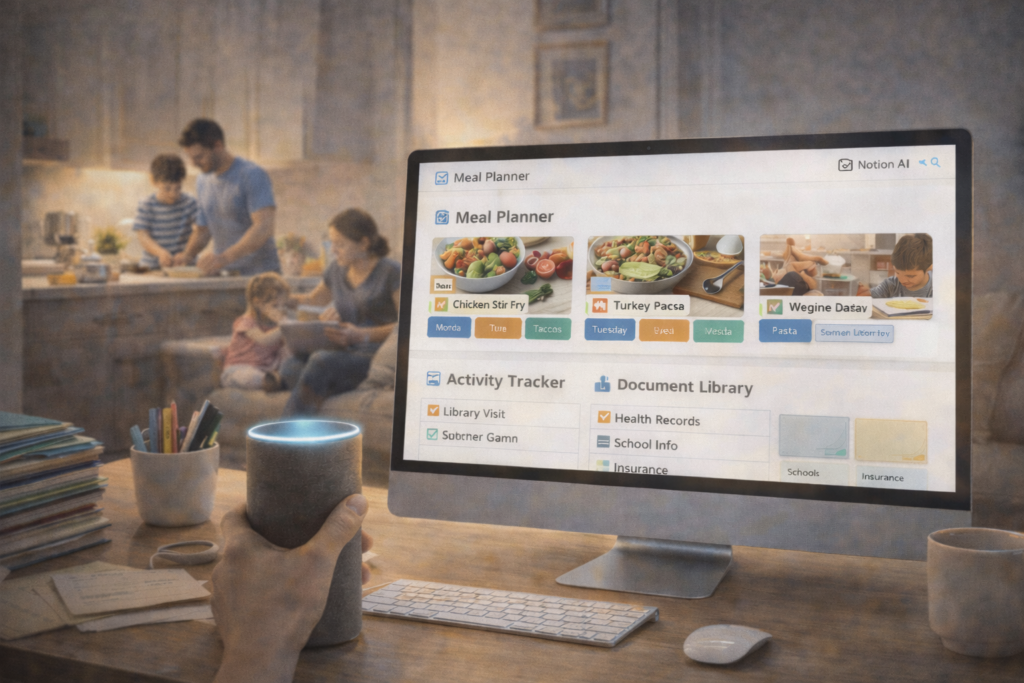
Why Notion Databases Intimidate Parents
The gap between promise and reality creates most of the friction. Notion offers powerful organizational tools, but getting them configured often requires technical comfort and sustained focus—two things in short supply during busy family seasons.
The Promise vs the Reality
Notion promises a single place for everything. Meal plans, activity schedules, document storage, budget tracking—all integrated and accessible. The promise is compelling.
The reality often involves watching YouTube tutorials, copying templates that almost work, and spending hours tweaking properties instead of actually organizing anything.
Setup Paralysis and Abandonment
Setup paralysis happens when the perceived effort exceeds the perceived benefit. You know Notion could help, but starting from scratch feels impossible. Pre-built templates look impressive but require translation to your specific family structure. Do you need a field for allergies? Should activities be linked to family members? How many meal categories make sense?
These decisions pile up. Many families abandon the effort before entering a single piece of real information.
Why Notion AI Changes Everything for Families
Notion AI is seamlessly integrated into databases, not bolted on like competitors. This integration makes a meaningful difference in how quickly you can move from blank database to working system.
Seamless Integration vs External AI Tools
Other systems require manual connections. You might use Google Sheets with a ChatGPT sidebar, or Airtable with Zapier automation, or a combination of apps that don’t quite talk to each other. Each connection requires setup, API keys, and ongoing maintenance.
Notion AI lives inside your database. It understands your structure automatically because it’s part of the same system.
AI That Understands Your Database Structure Automatically
When you create a database with a few basic properties, Notion AI can immediately suggest what else might be useful. It sees your meal planning table with “Recipe Name” and “Prep Time” and can offer to add categories, dietary tags, or ingredient lists based on what typically makes meal planning easier.
No API connections. No third-party subscriptions. No extra apps to manage.
Maximum Results With Minimal Setup
Competitors often require manual setup through external automation tools. You spend time building workflows instead of organizing your family life. Notion AI reduces that overhead significantly.
Starting With the Simplest Possible Database
The best way to begin is with minimal structure. One table. Three properties. Real information.
One Table, Three Properties
For meal planning, start with Recipe Name, Category, and Notes. For activity tracking, try Activity Name, Date, and Family Member. The specific properties matter less than starting with something simple enough to actually use.
Enter a few real items. Five recipes you actually make. Three activities your family does regularly.
Letting AI Suggest What to Add Next
Once you have real data in a simple structure, Notion AI can analyze what you’re tracking and suggest additions that match your actual use. The suggestions come from your data, not a generic template.
This approach inverts the typical flow. Instead of designing the perfect system before entering data, you start with data and let the system grow around real use.
How Notion’s Native AI Builds Databases That Match Your Family
The AI works with your data foundation rather than imposing external structure.
AI Analyzes Your Database Properties
As you add information, patterns emerge. Notion AI can notice that several meals fall into similar categories and suggest creating a select property with those exact categories—not generic options, but the ones you’re actually using.
Auto-Categorization That Leverages Existing Structure
Once properties exist, AI can help populate them. If you add a new recipe, AI can suggest which category fits based on existing patterns. This reduces the cognitive load of data entry during already-busy moments.
Creating Relations Without Technical Knowledge
Relations connect databases together. You might want to link meal plans to a grocery list, or activities to family members. These connections can feel technical to set up.
Notion AI can suggest when relations would be helpful and assist in creating them based on how you’re actually using your databases.
AI Works With Your Data Foundation
The key difference is that AI suggestions build on what you’ve already created rather than starting from theoretical ideals. Your family database grows from your family’s actual patterns.
The Competitive Advantage: Structure Meets Intelligence
Notion occupies a unique position in the productivity tool landscape.
Other Tools: Flexible Docs With Bolted-On AI
Google Docs and Evernote offer flexible writing spaces. Adding AI means using separate tools or browser extensions that don’t understand document structure.
Other Tools: Powerful Databases Without Native AI
Airtable and Coda provide robust databases with formulas and relations. Adding intelligent assistance requires external automation tools and technical setup.
Notion: Structured Databases With Deeply Integrated AI
Notion combines database structure with native AI. The integration means AI understands your schema, your data, and your patterns without external configuration.
For families, this translates to maximum organization results with minimal setup effort.
Growing Your Database Based on Real Use
The best systems evolve from actual friction points rather than anticipated needs.
Adding Complexity Only When Friction Appears
Wait to add properties until their absence creates problems. If you keep forgetting which meals are quick weeknight options, add a Prep Time property. If you lose track of who signed up for which activity, add a Family Member relation.
Let real use guide expansion.
AI Pattern Detection Showing What’s Missing
Notion AI can help identify gaps by noticing patterns in your notes or comments. If you frequently mention prep time in recipe notes, AI might suggest making it a structured property.
When to Stop Expanding
Stop adding complexity when the database serves its purpose smoothly. A meal planning database doesn’t need to track every possible variable—just enough to reduce decision fatigue and support grocery shopping.
Common Family Database Structures That Actually Work
Some patterns appear across many families because they address common challenges.
Meal Planning Without Overthinking
Recipe Name, Category (weeknight, weekend, special), Prep Time, and a link to the full recipe. That’s often enough. AI can help suggest meals based on how long it’s been since you made them or what category fits your evening.
Activity Tracking That Fits Busy Schedules
Activity Name, Date, Family Member, Location, and Notes. Simple enough to maintain during busy seasons, detailed enough to prevent double-booking.
Document Libraries That Stay Organized
Document Name, Category, Date, and Related To (which family member or project). AI can help categorize incoming documents and surface them when relevant.
AI Templates That Adapt to Your Family Size and Stage
Notion AI can help adjust database structures as your family changes. When a new baby arrives, AI can suggest adding feeding tracking. When kids enter school, it might recommend homework or permission slip tracking.
Building Systems That Work With Your Life
Notion databases with AI support offer a middle path between completely custom systems that require technical expertise and rigid templates that never quite fit.
The integration matters because it removes friction at the exact moments when friction causes abandonment. You’re not switching between apps or maintaining connections. You’re building a system that grows with your actual family patterns.
Start simple. Enter real information. Let AI suggest what comes next. That approach leads to databases that actually get used rather than ones that look impressive but sit empty.