
- Templates often fail because they assume ideal behavior and become too complex.
- Five proven secrets keep templates functional: minimal structure, optional layers, AI smart defaults, quick-action buttons, and friction-based iteration.
- Templates must adapt to inconsistent real-life usage, not demand perfection.
- AI can make templates adaptive—learning patterns and pre-filling defaults.
- The best templates expect decay and evolve based on actual use.
Templates promise efficiency. They provide structure for recurring tasks, pre-filled fields for common information, and consistent formats for similar projects. The initial setup feels productive. But weeks later, many templates sit unused. The structure that seemed helpful during creation now feels rigid. The fields that seemed necessary now feel like extra work. The template has become another abandoned productivity experiment.
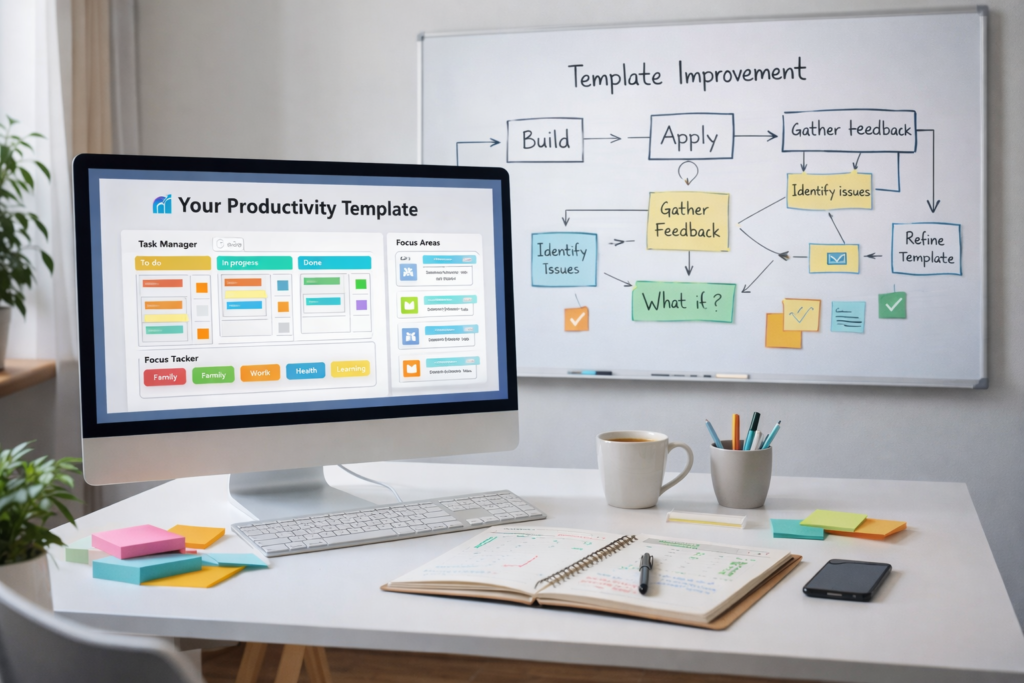
This pattern is predictable. New templates generate enthusiasm during the design phase. Properties are added, views are configured, and example entries demonstrate how the system will work. But the person who designs a template operates in a different mindset than the person who uses it daily—tired, distracted, and in a hurry. Templates fail when they prioritize structure over usability. Here are five secrets to building templates that actually last.
Secret 1: Start with Minimum Viable Structure
The most common mistake is over-structuring. Templates often include every possible piece of information that might be useful. A task template might have fields for priority, category, due date, estimated duration, actual duration, status, tags, and notes. Each field makes sense in isolation, but together they create a form that takes several minutes to complete.
Start with the smallest amount of structure necessary. For a task template, this might be just a title and a status. Everything else should be optional. If additional properties prove useful over time, they can be added. Starting minimal reduces initial friction and lets the template prove its value before demanding more investment.
When the task itself takes five minutes, spending three minutes on template fields feels disproportionate. Minimal structure means you can capture information quickly and enhance it later only when needed.
Secret 2: Use Optional Layers Instead of Required Fields
Required fields ensure consistency, but they also create friction. If a template requires five pieces of information before saving, users must interrupt their thinking to provide all five. If they don’t have all the information in the moment, the template blocks progress.
Structure templates in layers. The first layer contains only what’s essential. Additional layers contain helpful-but-not-critical information. A quick capture uses only the first layer. A detailed project task might use all layers.
This approach accommodates both rushed moments and thorough planning without forcing one approach on all situations. Optional fields allow for quick captures that can be enhanced later, preventing the template from becoming a barrier to getting started.
Secret 3: Let AI Learn Smart Defaults from Your Usage
Manual defaults require upfront configuration and rarely match actual usage patterns. AI can observe how templates are used and adjust defaults accordingly without manual intervention.
If you consistently create tasks with 15-minute durations, that duration becomes the default. If you always assign certain types of tasks to the same category, that category is pre-selected. If you typically set due dates three days out, the system suggests that timeframe.
These adjustments happen automatically, gradually reducing the number of fields you need to fill. The template learns from your behavior rather than requiring you to predict your needs during initial setup.
Secret 4: Use AI Buttons for Quick Categorization and Time Estimates
Buttons can reduce multi-step processes to single clicks. An AI-powered button might read a task description and suggest a category, estimate duration, and set a reasonable due date. Instead of filling four fields manually, the user writes a brief description and clicks once.
The AI handles classification, estimation, and scheduling based on the content of the description and historical patterns. The user confirms or adjusts as needed, but the cognitive work of categorization and estimation is automated. This dramatically reduces the time required to use the template while maintaining the benefits of structured data.
Secret 5: Iterate Based on Friction Points, Not Theoretical Ideals
Templates should evolve based on actual use, not theoretical improvements. The instinct when a template isn’t working is often to start over with a new design. A better approach is to make small adjustments to the existing template based on real friction points.
If you consistently skip certain fields, they may not be necessary. If you avoid using the template when in a hurry, it may be too complex. If you find yourself creating items outside the template and manually moving them in later, the template is not fitting your workflow.
Remove one required field. Add a button for quick capture. Simplify a complex property. Test the change for a week before making additional adjustments. Incremental changes preserve what works while addressing what doesn’t.
AI can analyze template usage over time and identify patterns, surfacing insights about what’s working and what’s creating friction without relying solely on memory or impression.
Templates That Adapt to You
Templates fail when they demand consistent behavior from people whose lives are inconsistent. Better templates assume inconsistency and adapt to it. They start simple, add complexity only when needed, and use AI to reduce the manual work of filling fields. They evolve based on actual usage patterns rather than theoretical ideals. When templates serve the user rather than demanding service from the user, they last.