
- Tools fail when they demand maintenance instead of supporting action.
- Over-customization is a common productivity trap.
- Templates should reduce thinking, not add structure.
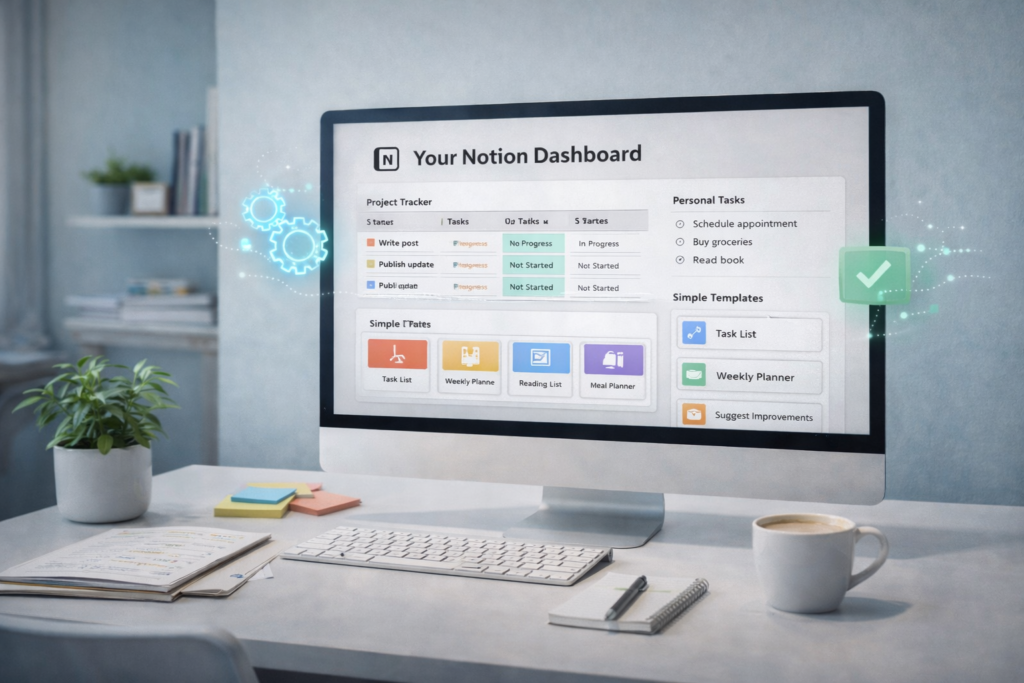
- AI buttons can auto-fill properties, suggest next steps, and generate summaries—making templates work for you.
- The best tools disappear into the background.
Notion offers flexibility. Pages can be structured in countless ways. Databases can be customized with properties, views, and relations. Templates can be designed to capture any type of information. This flexibility is powerful, but it introduces a problem. The act of organizing Notion can become work that competes with the work Notion is meant to support.
Why Productivity Tools Feel Like Work
Productivity tools are supposed to reduce friction. They should make it easier to capture information, track obligations, and move projects forward. When a tool requires significant upkeep, it shifts from being helpful to being a task in itself.
Setup addiction vs usage reality
The setup phase often feels productive. Choosing colors, creating properties, designing templates—all of this creates a sense of progress. The problem emerges later, when the system requires ongoing maintenance. If maintaining the tool takes more time than using it, the tool has become counterproductive.
When systems become performance
Some Notion setups are designed for appearance rather than function. They look impressive in screenshots but require constant attention to maintain. When the system becomes something to display rather than something to use, it stops serving its original purpose.
Choosing Tools Based on Friction, Not Features
A tool’s value lies not in what it can do, but in how easily it supports action. More features often mean more decisions, and more decisions create friction.
What matters when energy is low
The best test of a tool is how well it works when energy is low. Can a task be captured quickly? Can information be found without multiple clicks? Can the system be used while distracted? If the answer is no, the tool will be abandoned during the times it is needed most.
Fewer decisions beat more options
Every property, view, and template represents a decision point. When capturing a task, deciding which properties to fill and which view to use adds cognitive load. A simpler system with fewer options reduces the mental work required to use it.
How AI-Enhanced Templates Should Actually Be Used
Templates are meant to provide starting points. They work best when they reduce thinking rather than enforcing structure.
Starting points, not finished systems
A template should offer enough structure to begin, but not so much that it feels rigid. When a template includes many required fields, it creates resistance. The user must complete all fields before moving forward, even if some fields are not relevant in the moment. Optional fields with smart defaults reduce this friction.
When to stop customizing
Customization should stop when the system works. The urge to continue refining often comes from wanting the system to feel complete, but systems do not need to be complete to be useful. If tasks are being captured and projects are moving forward, additional customization may be unnecessary.
Smart defaults that learn your patterns
Some AI tools can observe how you use templates and adjust defaults over time. If you consistently assign certain types of tasks to the same category, the system can suggest that category automatically. If you often estimate tasks at 15 minutes, that duration can become the default. These adjustments happen quietly, reducing the number of fields you need to fill manually.
Designing a Tool That Serves Real Life
A tool should adapt to how you work, not force you to adapt to the tool. This requires designing for reality rather than ideals.
Buttons, defaults, and automation
Buttons can reduce multi-step processes to a single click. A button might create a new task with pre-filled properties, eliminating the need to select categories, due dates, or priorities manually. Defaults can populate common values automatically, and automation can move items between stages without manual updates.
Letting the tool absorb complexity
Complexity does not disappear, but it can be moved. Instead of requiring the user to remember which properties matter for each task type, the tool can handle that logic. A button labeled “Quick Capture” might create a task with minimal required information, while a button labeled “Project Task” includes additional structure. The complexity lives in the setup, not in daily use.
AI that categorizes tasks, estimates duration, and enhances descriptions
Some AI features can analyze task descriptions and suggest categories, estimate how long something might take, or expand brief notes into fuller descriptions. A task entered as “call pediatrician” might be auto-categorized as “Health” with an estimated duration of 10 minutes. The user confirms or adjusts rather than entering everything from scratch.
Making Notion Work for You
Notion becomes useful when it requires less attention than the work it supports. This happens when the system is simple enough to use without thinking, when templates provide structure without rigidity, and when AI handles routine decisions automatically. The goal is not to build the most sophisticated system, but to build one that disappears into the background while keeping important information accessible. When you stop thinking about Notion and start thinking about your work, the system is working.